About this product
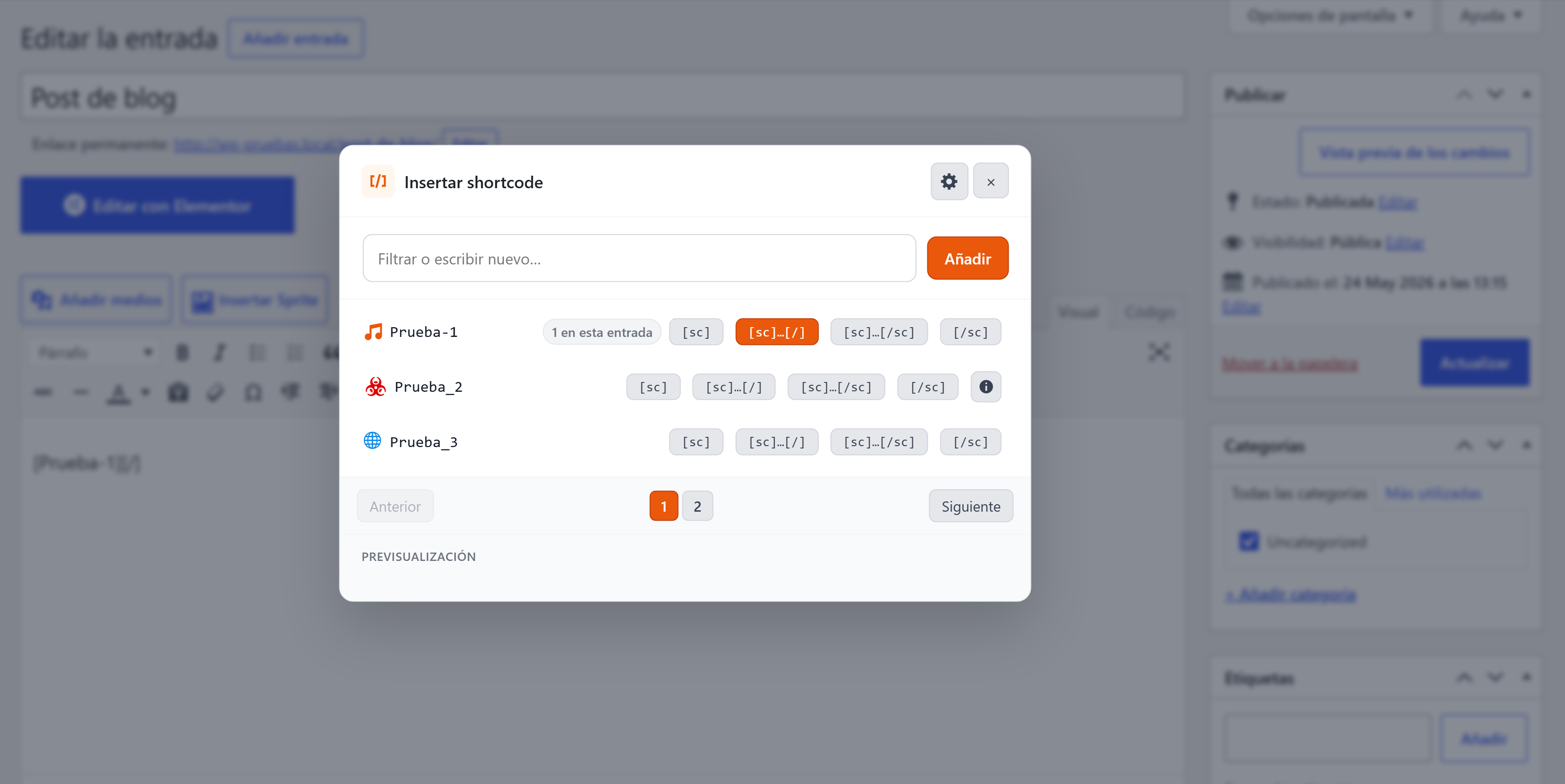
WP Simple Shortcode-In Lite adds a button to the WordPress Classic Editor that opens a popup with your library of saved shortcodes, ready to insert in any post or page with one click.
Built for users and agencies who keep reusing the same shortcodes from WooCommerce, Contact Form 7, custom plugins or their own code, and don't want to remember or copy them from other places.
Editor popup
- Button on the TinyMCE toolbar (WordPress Classic Editor).
- Paginated list of saved shortcodes, with customisable icons (Dashicons + Font Awesome 6 Free, almost 2,000 icons).
- Three insertion modes per shortcode: self-closing
[sc], wrapping text[sc]…[/sc], or generic close[sc]…[/]. - Auto-detects which shortcodes are already in use in the current post, visually marked.
- Add new shortcodes from inside the popup without leaving the editor.
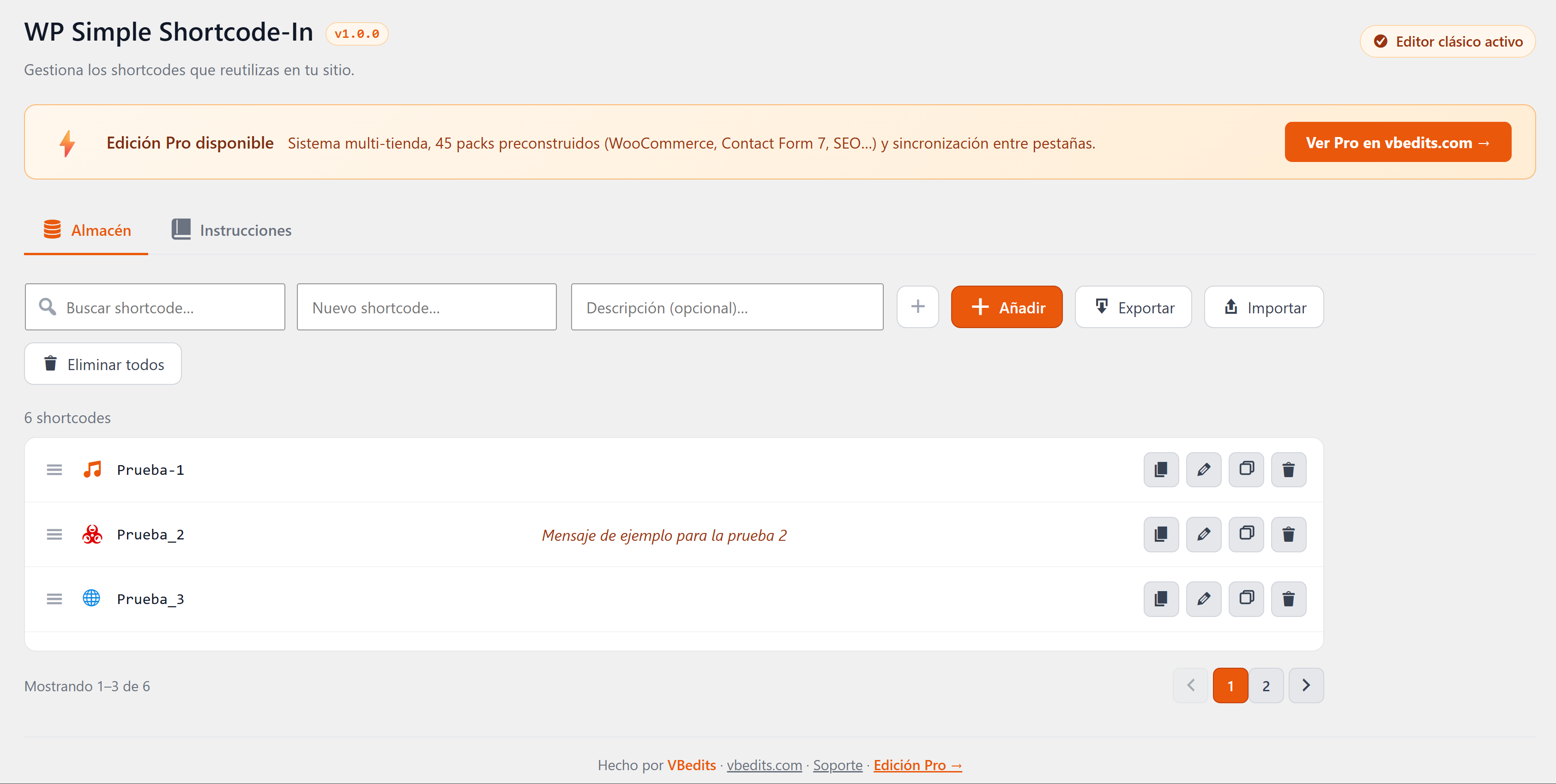
Shortcode manager (admin)
- Paginated, filterable list of all shortcodes.
- Inline editing of name, description, icon and colour.
- Drag-and-drop reordering.
- Duplicate button (clone a shortcode in seconds).
- Import / export as JSON to share libraries between installations.
- Integrated manual with a side index and expandable sub-sections.
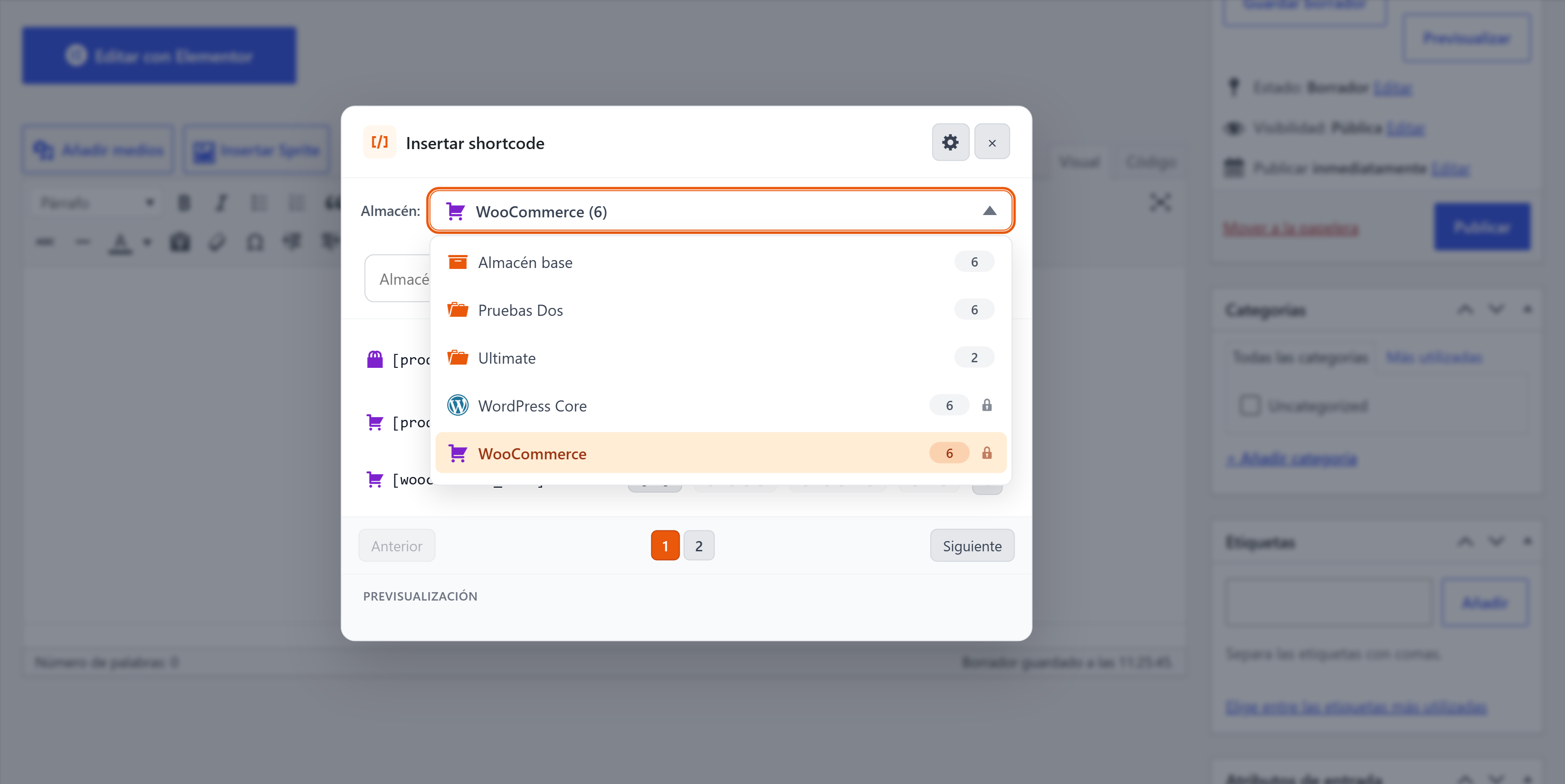
Looking for more?
The Pro edition adds the multi-store system, the Pack Store with 45 ready-made plugin packs, cross-tab sync and 7 premium packs. Lite covers the single-library use case in full and is free forever.
System Requirements
Classic Editor plugin active. WordPress 5.3+ PHP 7.0+
Compatibility
What's new in v1.0.0
1.0.0 — Initial release. Editor popup, shortcode manager, icon picker, drag-and-drop, import/export, integrated manual.
Automatic updates
When a new version ships, you receive an email with a one-click download link from your purchase, valid for 24h. Your license stays valid for every future version covered by your update window. See how the buy-and-install flow works for the full picture.
Frequently Asked Questions
¿Funciona Lite con el editor de bloques (Gutenberg)?
No. La edición Lite está hecha para el Editor Clásico de WordPress. Necesitarás el plugin Classic Editor activo. Si usas Gutenberg, mira la edición Pro (que también es una herramienta orientada al manager — ambas ediciones apuntan al flujo clásico).
¿Lite es realmente gratis o es una prueba?
Gratis. Sin caducidad, sin avisos, sin telemetría. Úsala para siempre en tantos sitios tuyos como quieras.
¿Qué le falta respecto a Pro?
Lite te da una librería de shortcodes. Pro añade el sistema multi-tienda (colecciones temáticas entre las que cambiar), el Pack Store (45 packs prefabricados para plugins populares como WooCommerce, Contact Form 7, etc.) y sincronización entre pestañas. Si solo necesitabas "un botón que inserte mis shortcodes", Lite es la opción correcta.
¿Puedo actualizar de Lite a Pro más adelante?
Sí. Pro lee la misma tabla de shortcodes — instala Pro, desactiva Lite, y tu librería aparece tal cual en la nueva tienda "Base".
¿Ralentizará mi sitio?
No. El plugin solo carga sus assets en pantallas de edición, no en el front-end. Tus visitantes tienen cero sobrecarga.