About this product
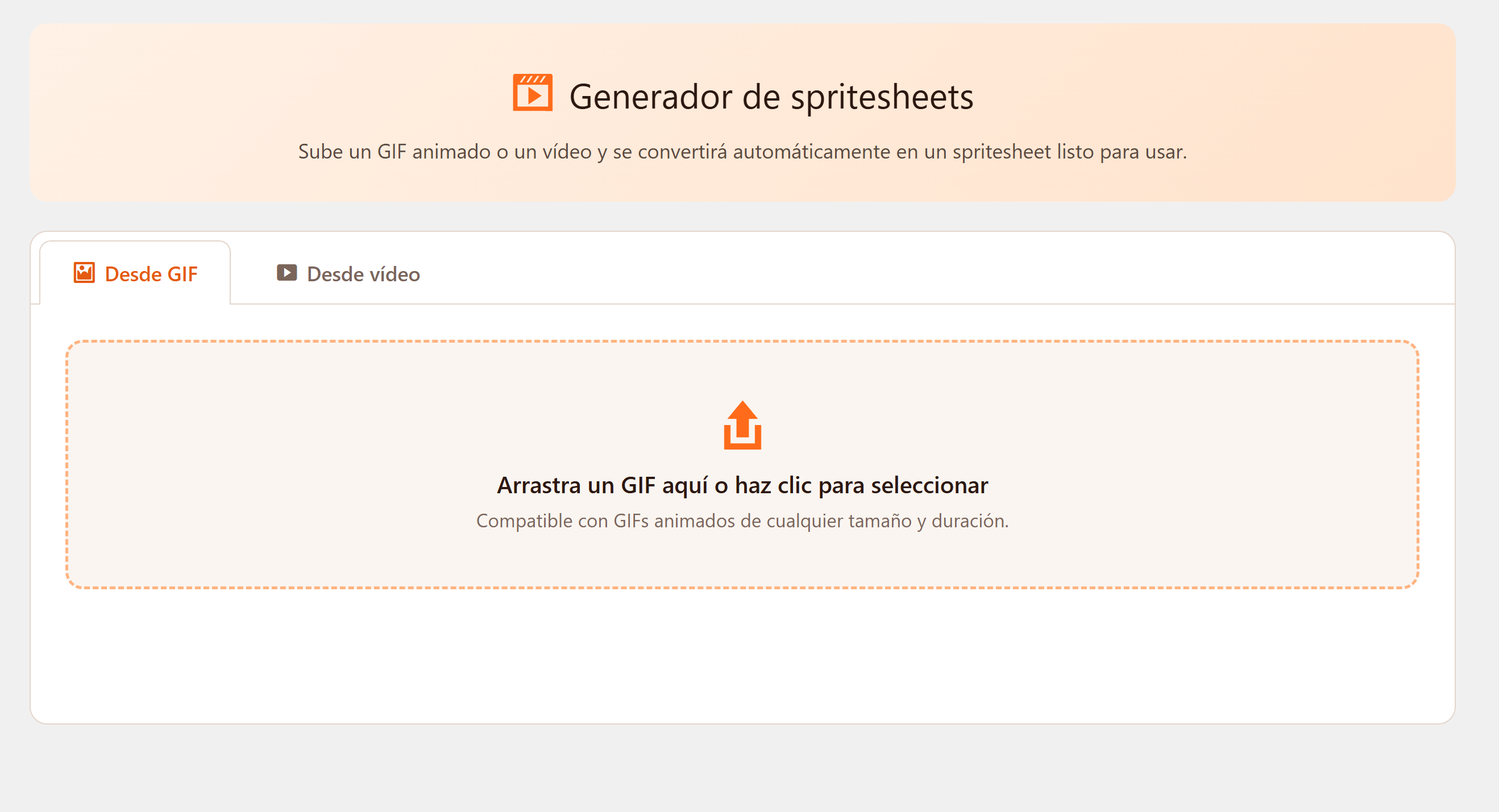
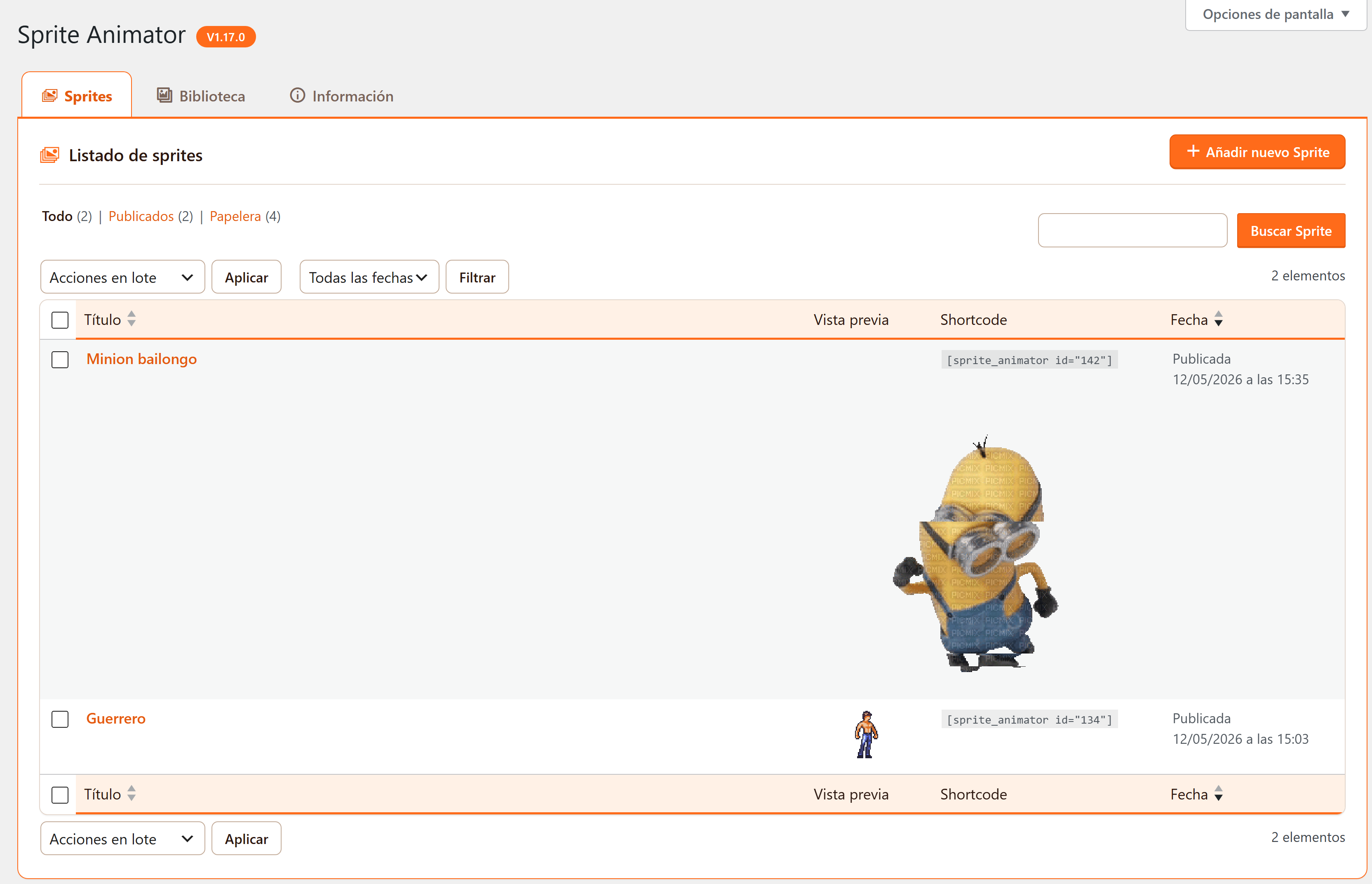
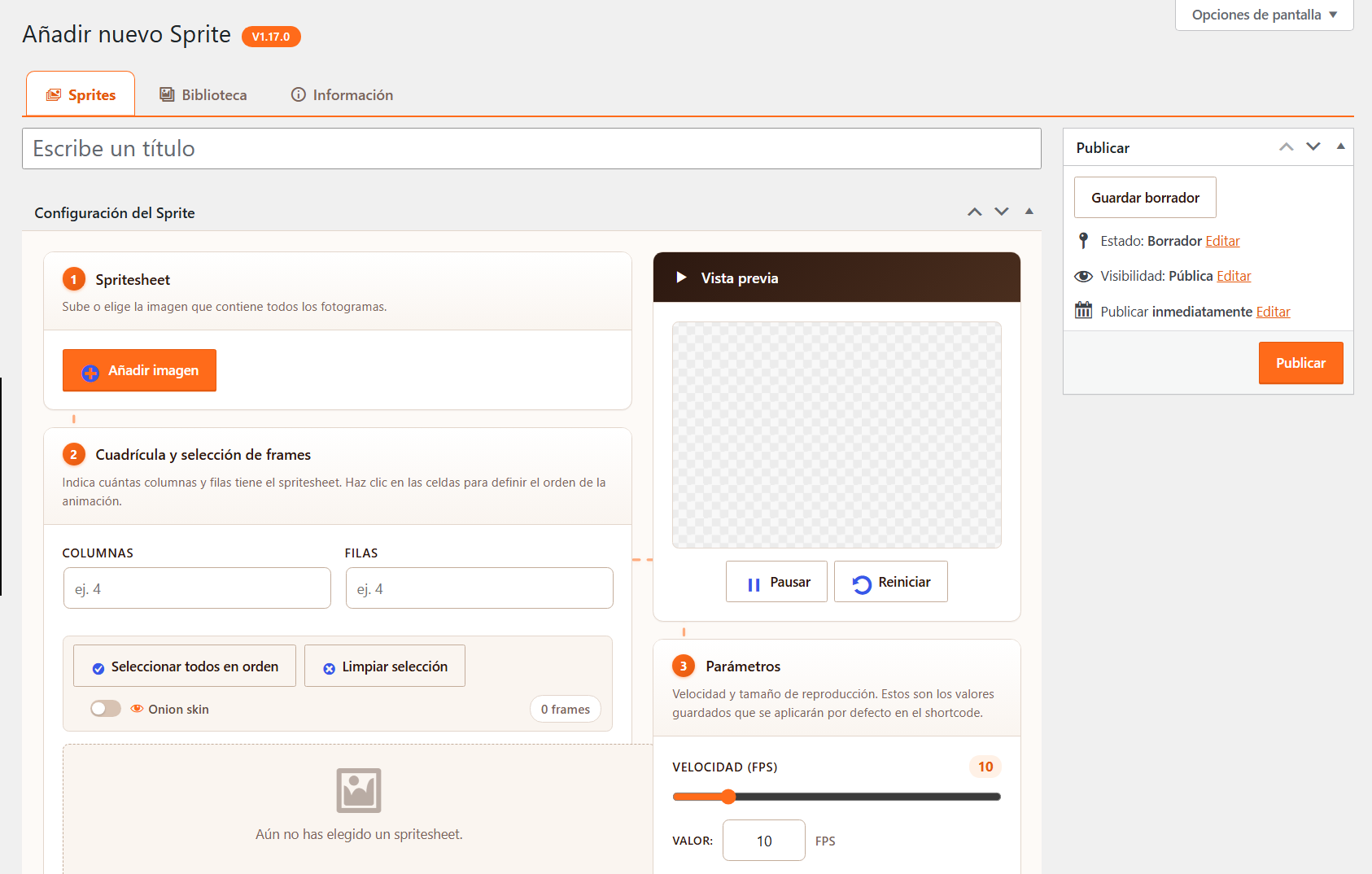
WP Sprite Animator takes a spritesheet you upload, lets you choose which frames to use and in what order, and renders the animation in any post or page via a shortcode, a Gutenberg block, or a button in the Classic Editor.
Who it's for
- Indie game devs and pixel artists who want to show their sprite work on a WordPress site without messing with custom CSS animations.
- Tutorial sites and documentation that need looping demos without embedding a video.
- Anyone with a spritesheet who wants a quick, lightweight animated preview.
Frame editor
- Visual grid editor: pick rows, columns and individual frames from your spritesheet.
- Manual frame ordering — useful when the source sheet isn't already in animation order.
- Speed and scale controls with live preview.
- Loop / one-shot toggle.
Insertion
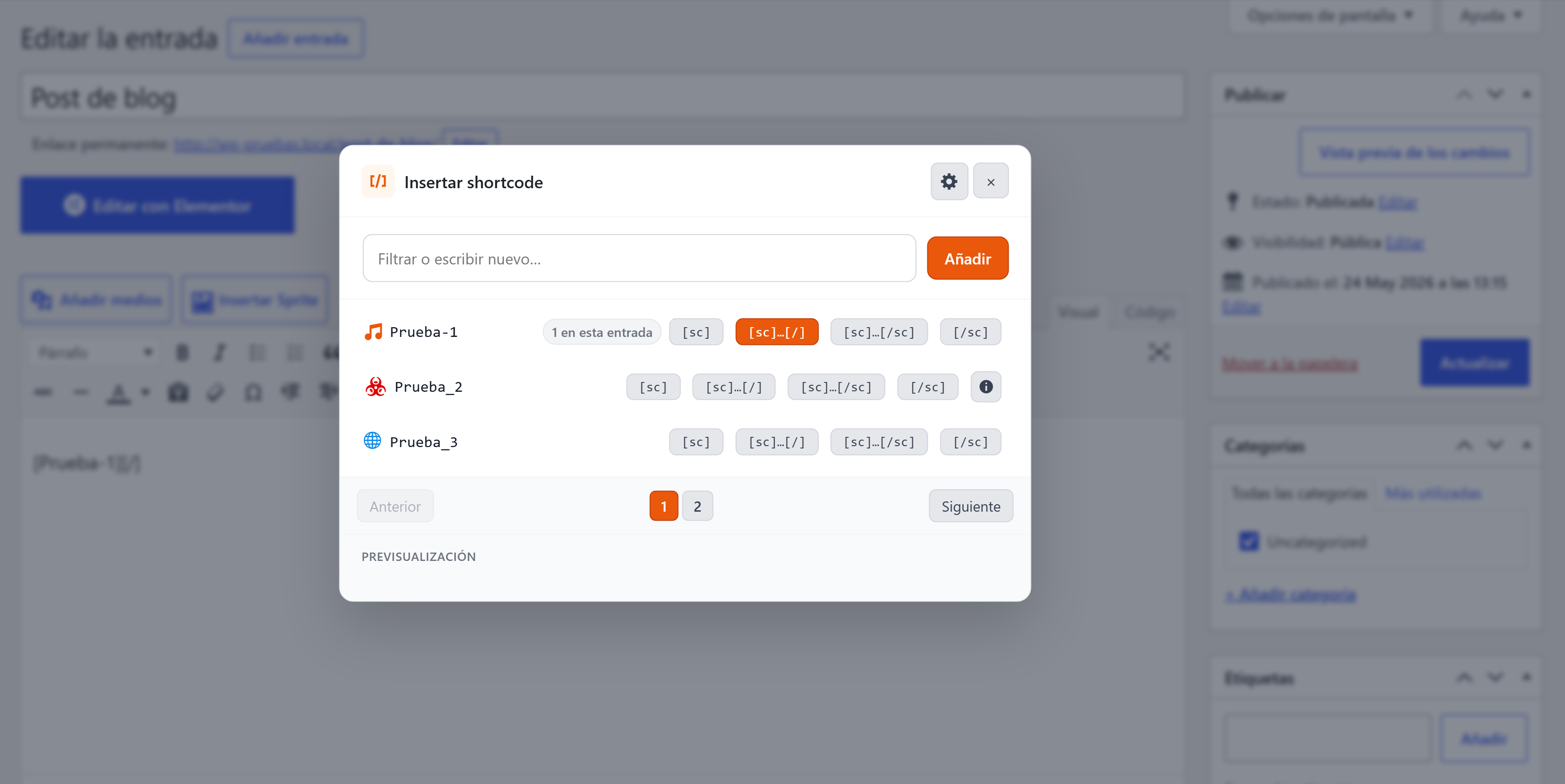
- Shortcode mode: paste anywhere
[sas id="123"]. - Gutenberg block with sidebar controls.
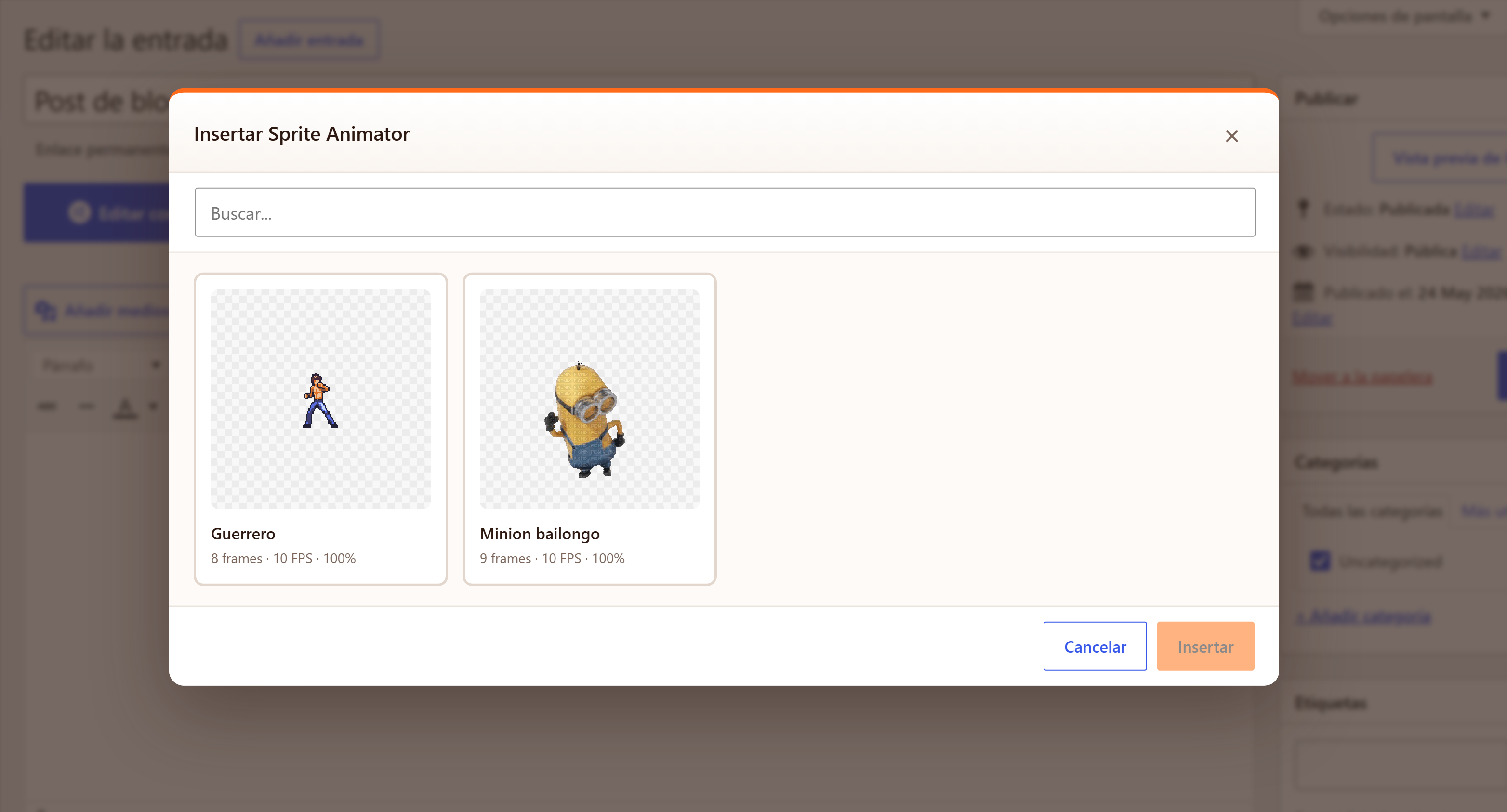
- "Insert Sprite" button in the Classic Editor.
Export
- Animated GIF export (uses
gif.jsworker, runs in-browser). - PNG frame sequence as a ZIP.
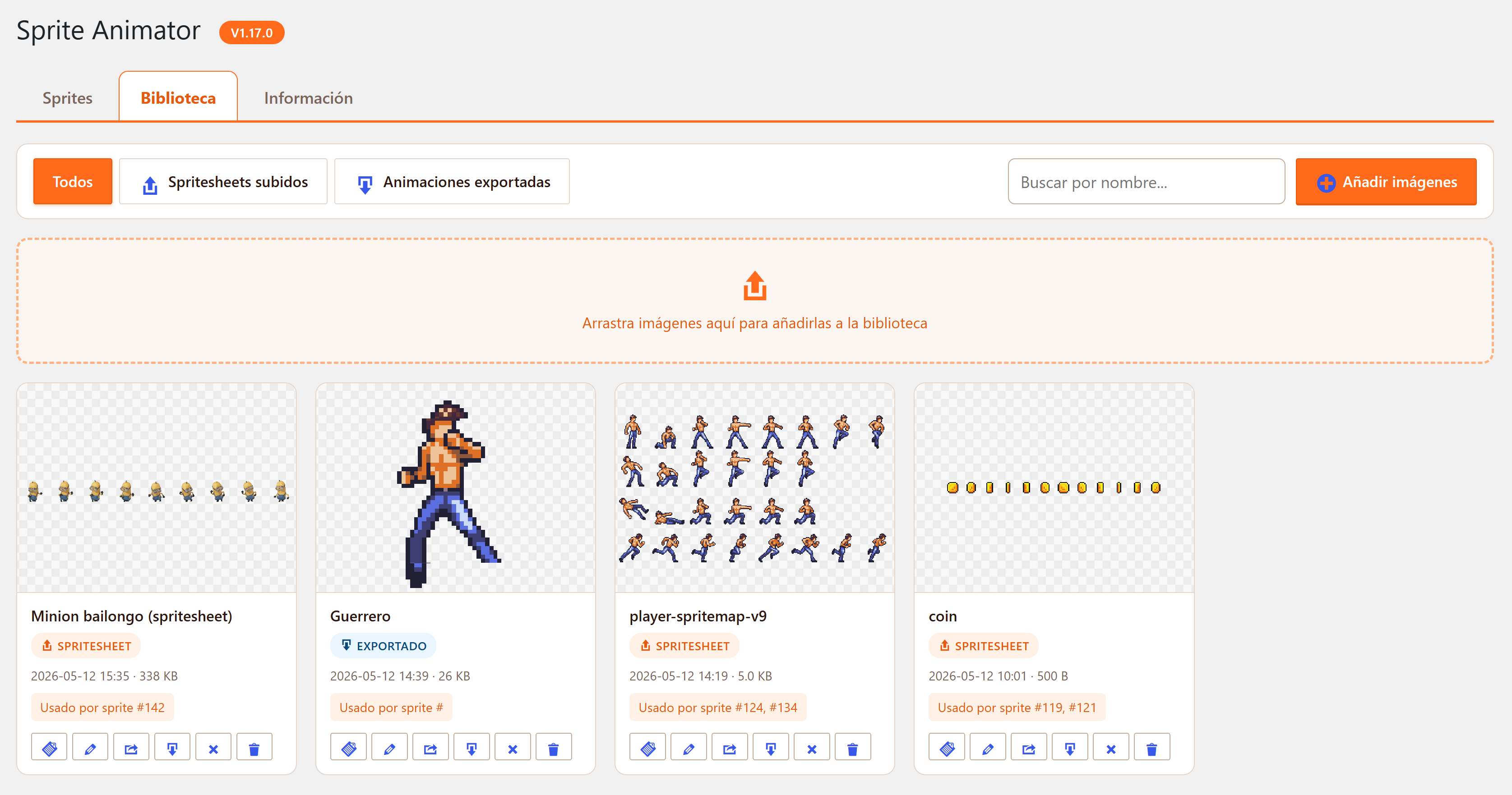
- Re-importable: GIF/PNG sequences you exported can be loaded back to keep editing.
Bundled
Sample sprites included (coin spin, fire, heart beat, walking character) so you can play with it right after install.
System Requirements
WordPress 5.5+ PHP 7.4+ Modern browser for the editor (Chrome, Firefox, Safari, Edge).
Compatibility
What's new in v1.17.0
1.15.0 — Stable feature-complete release with grid editor, GIF/PNG export and Gutenberg block.
Automatic updates
When a new version ships, you receive an email with a one-click download link from your purchase, valid for 24h. Your license stays valid for every future version covered by your update window. See how the buy-and-install flow works for the full picture.
Frequently Asked Questions
¿Es realmente gratis?
Sí. Sin avisos, sin upsell, sin telemetría. Úsalo en tantos sitios tuyos como quieras, para siempre.
¿Qué formatos de spritesheet se soportan?
Cualquier PNG o JPG. Los frames deben estar en una cuadrícula regular (todos del mismo ancho y alto). Los atlas free-packed aún no se soportan.
¿Puedo animar en el front-end con CSS en lugar de GIF?
Sí — de hecho es lo predeterminado. El shortcode renderiza un
con una animación CSS de background-position. La exportación a GIF es un extra por si quieres compartir la animación fuera de WordPress.
¿Funcionará la exportación a GIF en un hosting compartido barato?
Sí. El GIF se construye en el navegador usando gif.js, así que tu servidor no hace nada — solo guarda el archivo resultante.
¿Funciona con el editor de bloques?
Sí. Hay un bloque "Sprite Animator" dedicado con controles laterales de velocidad, escala y loop. El Editor Clásico también tiene un botón en la toolbar.