Trello has left me hanging more than once. You lose connection right as you're about to drag a card, you have three minutes left to finish organizing the sprint, and the app just stares at the ceiling. I'd been looking for months for a local replacement that didn't force me to set up a whole server.
Found it: Wekan (code on GitHub).
What Wekan is
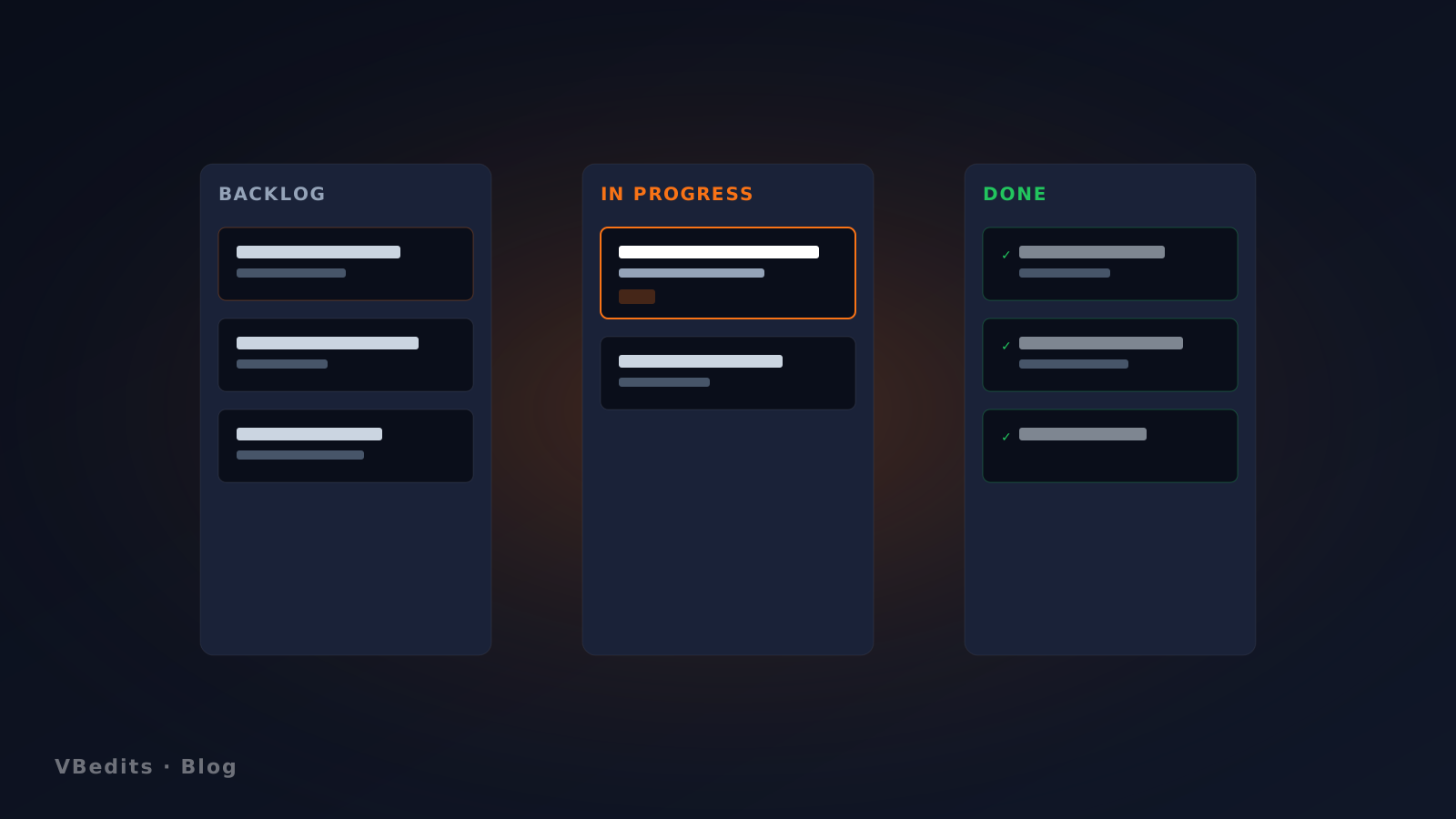
An open-source (MIT) kanban-board app with Trello mechanics: columns, cards, labels, assignments, checklists, attachments. The difference: it runs on your machine. No account, no cloud, no one knowing what you're working on.
Why I'm keeping it
- Fully offline. No internet, no problem.
- No mandatory login. You open it and start working.
- Your data is yours. Lives in a local folder; backup = copy the folder.
- Cross-platform. Windows, macOS, Linux, Docker, Snap.
- Import/export from Trello. If you're fleeing, export the JSON and load it.
Install on Windows (two clicks)
The long path is following the GitHub steps. The short one—what I recommend—is to open Wekan in the Microsoft Store and hit "Install". Three minutes and you have a shortcut in the start menu.
Tip: pin it to the taskbar so it feels like a real app, not "Chrome tab #47".
When NOT to use it
If you work on a distributed team and need real-time collaboration with Slack notifications, Trello/Linear are still better. Wekan shines when you're solo (or a small co-located team) and you want to organize your head with no external dependencies.
For me—organizing the roadmap of the products I sell in this store—it's perfect: one board per product, columns Backlog → Design → Implementation → Beta → Launch → Maintenance. End of the day, close the app, done.