Making the mouse cursor a custom sprite in GameMaker seems trivial—and it is, three ways—but each has different implications for rendering, scaling, and how it integrates with the game UI. Pick wrong and you end up with a cursor that appears below your menus or looks blurry on resolution changes.
Method 1: object in the room
Most direct. Create a sprite (spr_cursor) and an object (obj_cursor) with it assigned. In the Create event:
x = mouse_x;
y = mouse_y;
In the Step event:
x = mouse_x;
y = mouse_y;
Make sure to place the object on the topmost layer of the room (or set its depth to a very low value like -10000) so it draws on top. Finally, in Game Options → Windows, uncheck "Display Cursor" to hide the system one.
Pro: simple, easy to debug. Con: if your game uses GUI (menus, HUD), the cursor draws below the GUI. Useless for inventories or pause screens.
Method 2: Draw event without an object
If you don't want a whole object, paint the sprite directly from a persistent object's Draw event (e.g. game controller):
draw_sprite(spr_cursor, 0, mouse_x, mouse_y);Same GUI limitation as method 1, but lighter (no full instance just for this).
Method 3: GUI layer (the good one)
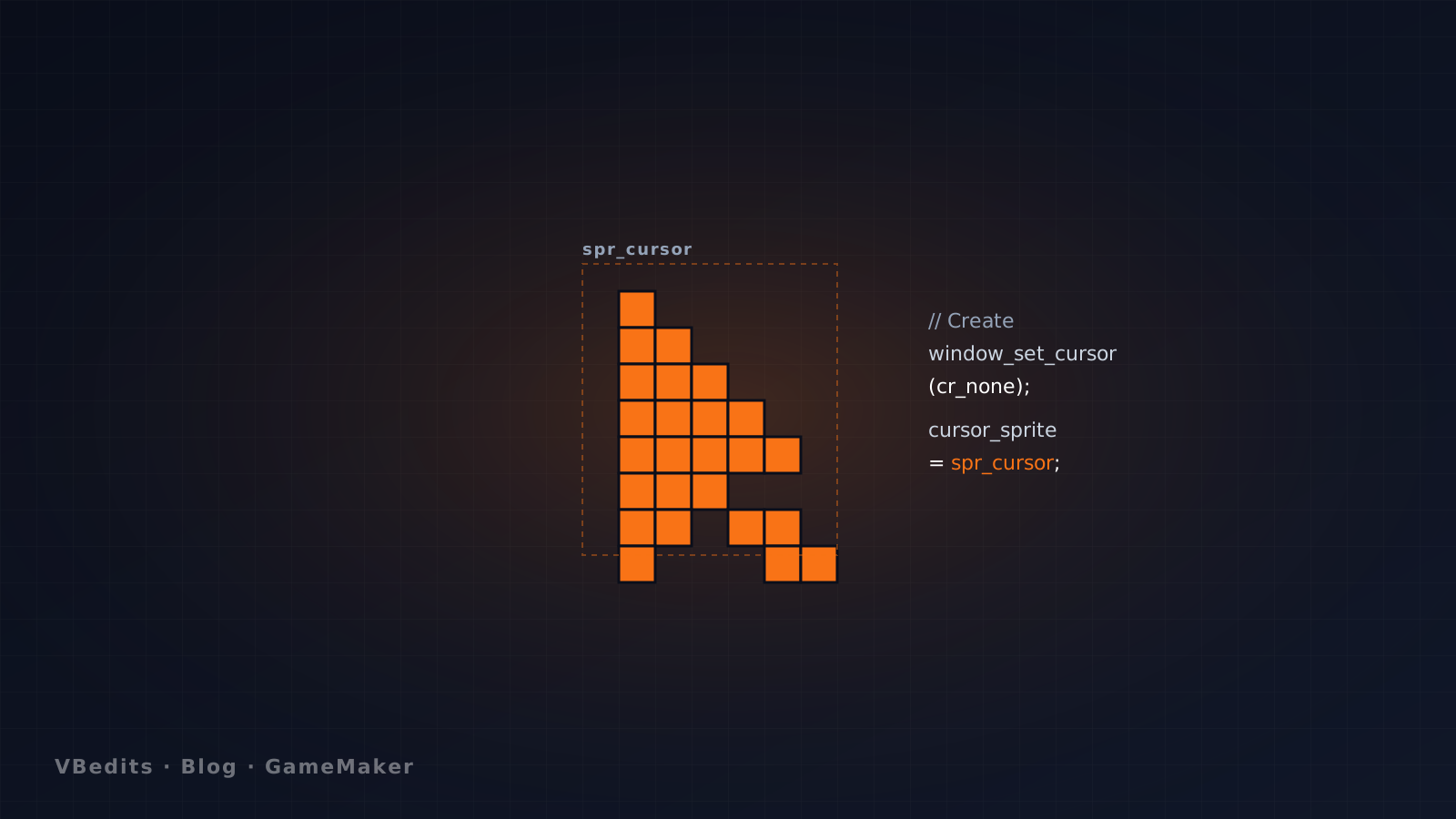
The "correct" way in modern GameMaker. Hide the system cursor and let GameMaker paint yours on the GUI layer, which always goes on top:
// In the game controller's Create (persistent object):
window_set_cursor(cr_none);
cursor_sprite = spr_cursor;
That's it. No Draw, no Step, nothing else. GameMaker handles it.
Important: scaling
The cursor_sprite renders at the view resolution, not the room. If your game has a small view scaled to fullscreen (typical in pixel art), your cursor will look pixelated at native size while the rest of the game is scaled. Fix by setting the GUI to the same size as the room:
// In Room Creation Code:
display_set_gui_size(room_width, room_height);
Which to use?
| Method | When |
|---|---|
| 1 — Object in room | Quick prototypes, games without GUI. |
| 2 — Draw event | Same as 1, but saving instances. |
| 3 — GUI layer | Always when you have UI. Correct in 95% of cases. |
If you're selling your game, go with method 3 from the start. Change it later and you'll need to touch every menu and popup that depends on the cursor.