


Cómo seleccionar un párrafo en VS Code y comentarlo con un shortcut
El atajo Ctrl+/ funciona pero en teclado español hay matices, y existe un combo aún más rápido para seleccionar bloques enteros sin tocar el ratón.
Read more →— Blog
Articles, build logs, and behind-the-scenes notes about the software, games and AI tools I ship.
El atajo Ctrl+/ funciona pero en teclado español hay matices, y existe un combo aún más rápido para seleccionar bloques enteros sin tocar el ratón.
Read more →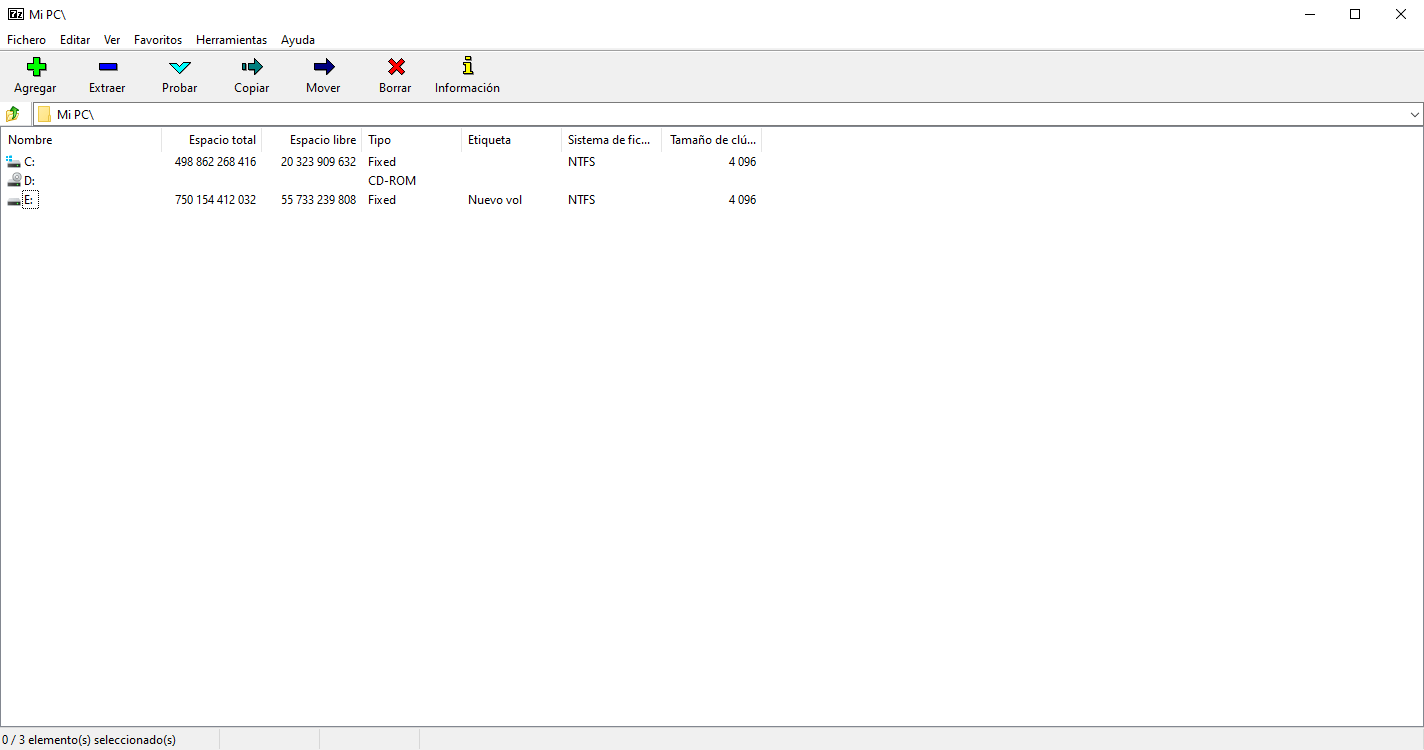
Cuatro formas de borrar archivos que Windows se niega a tocar porque el path supera los 260 caracteres. La de 7-Zip es la que funciona siempre y no requiere CMD.
Read more →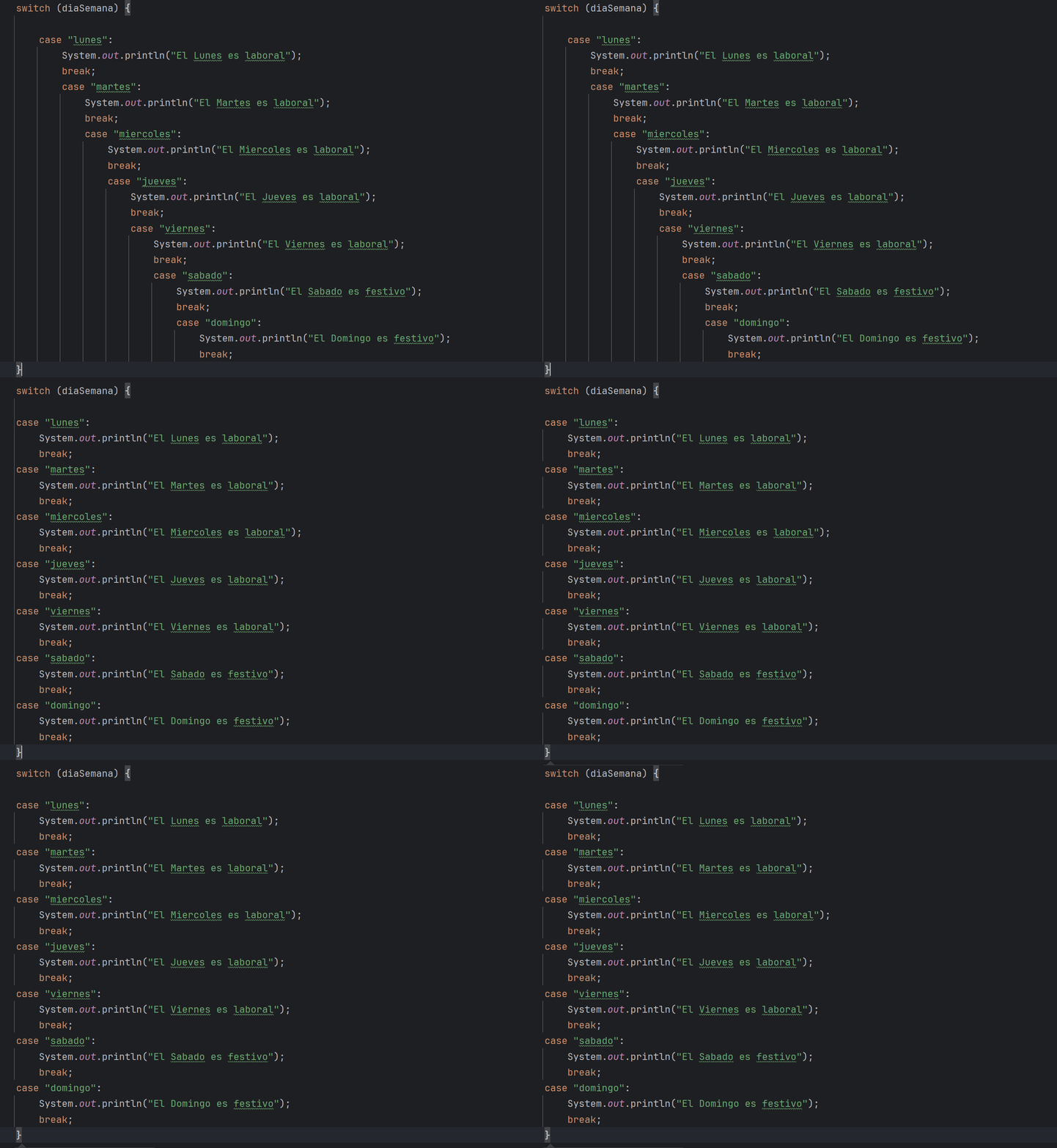
El shortcut Ctrl+Alt+L y los dos ajustes de Code Style que arreglan el 90% de los problemas de indentación, incluyendo el clásico "switch que se va escalonando".
Read more →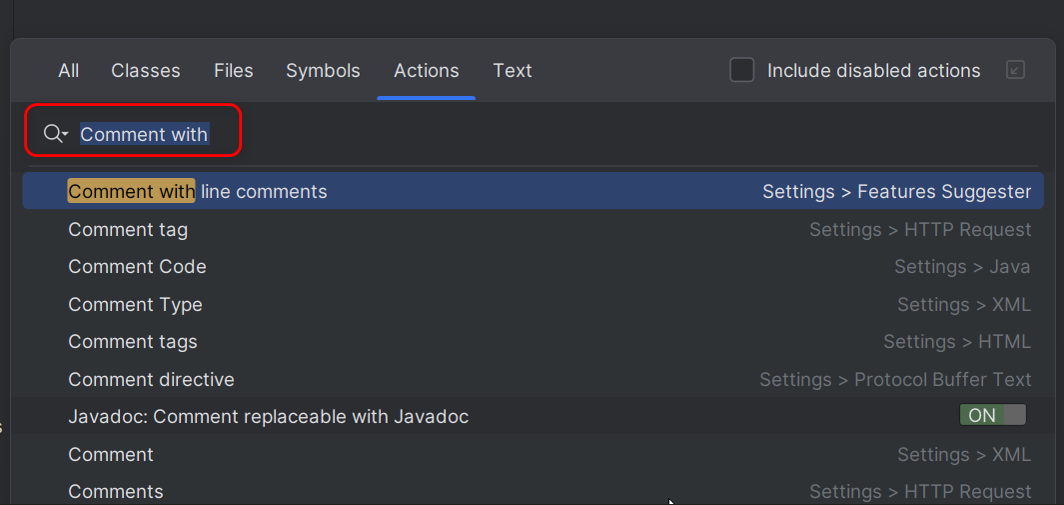
Tres maneras de comentar bloques en IntelliJ: shortcut por defecto, botón nuevo en la toolbar, y la quick action de "comment". Con la combinación de teclas que sí funciona en teclado español.
Read more →
GIF, Font Awesome, CSS+JS, and pure CSS. A quick comparison of trade-offs, plus design patterns that actually scale in 2026.
Read more →
Short opinionated guide to navigating the AI ecosystem: selection criteria, key categories, and the most common traps (wrappers, hype, hidden costs).
Read more →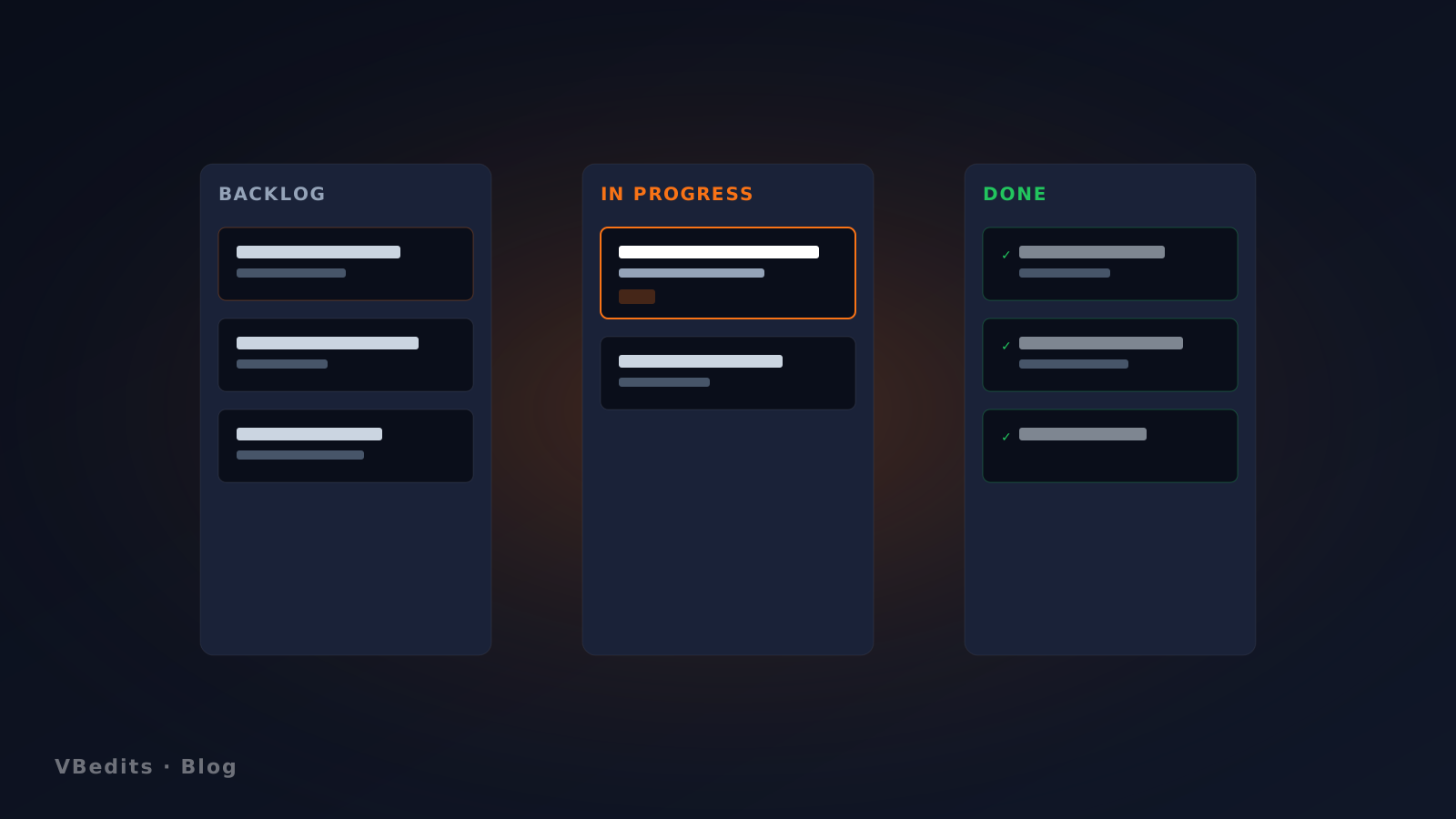
Open source, offering Trello-style boards without forcing you to sign in or rely on the cloud. Two-click install from the Microsoft Store.
Read more →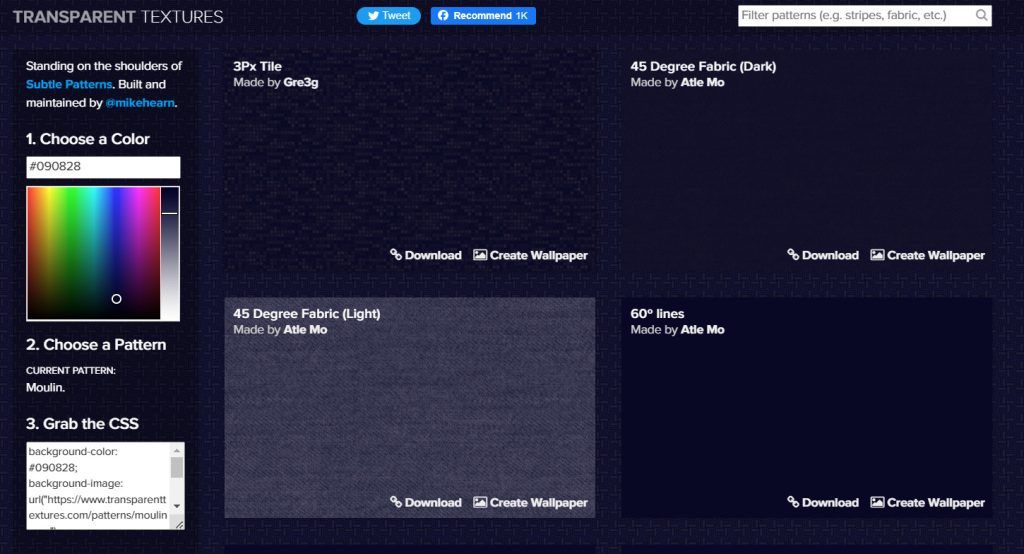
Subtle textures, repeatable geometric patterns and CSS generators. Without going through the fiftieth photo of a Brooklyn café.
Read more →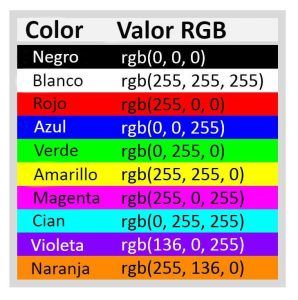
Three hex pairs (red, green, blue) from 00 to FF. Once you get the system, you can skip the color picker 80% of the time.
Read more →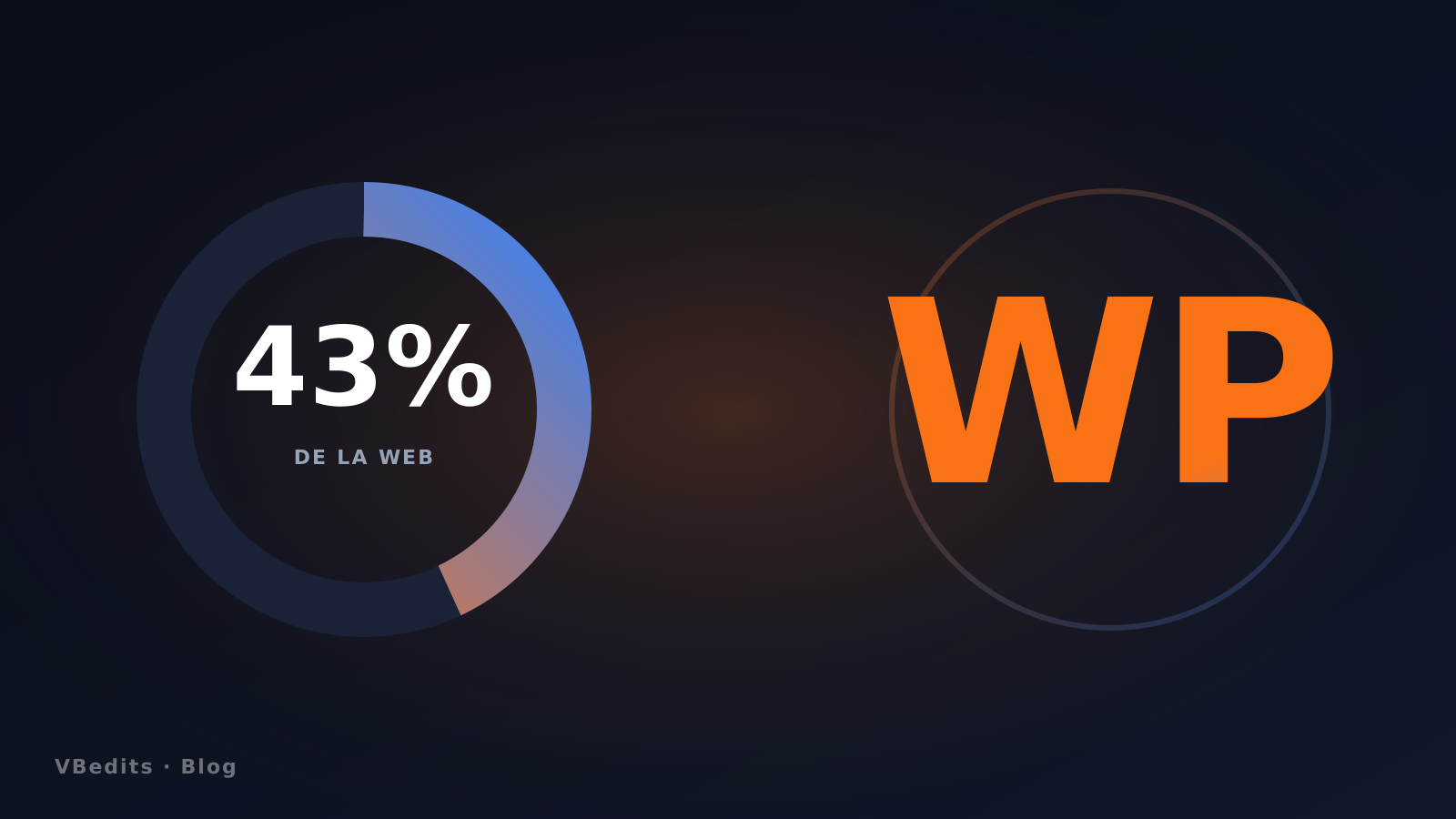
43.3% web market share and 62.7% of CMS per W3Techs. The obvious: lots of opportunity. The less obvious: why indie plugins are still good business.
Read more →